BarBeatCue leads the session; the DAW records it
BarBeatCue does not record — your DAW does. What BarBeatCue does is lead: the click and the count-in, the score in front of every player, the place in the song, the same clock as the DAW.
From an orchestra to a trio — the click in every ear, the score on every stand, the take on the bar line.
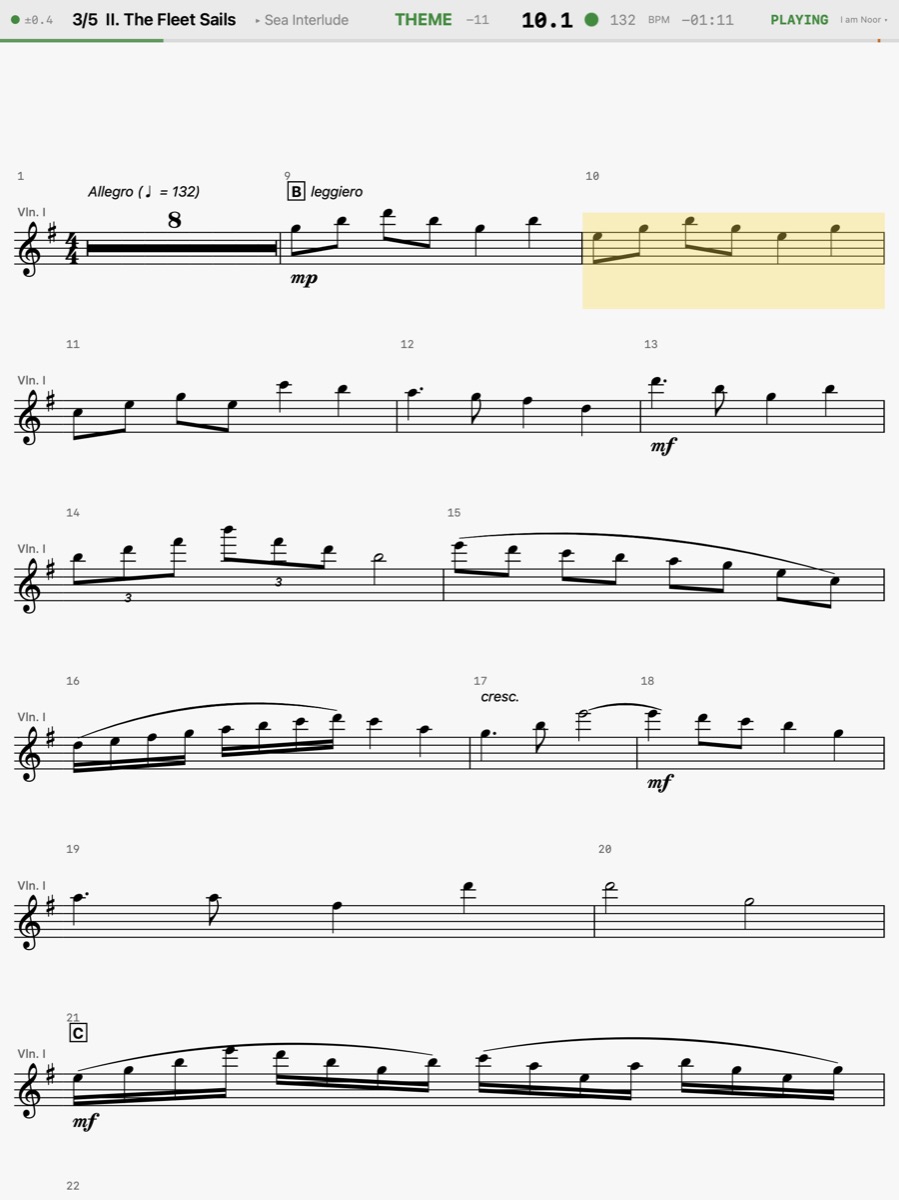
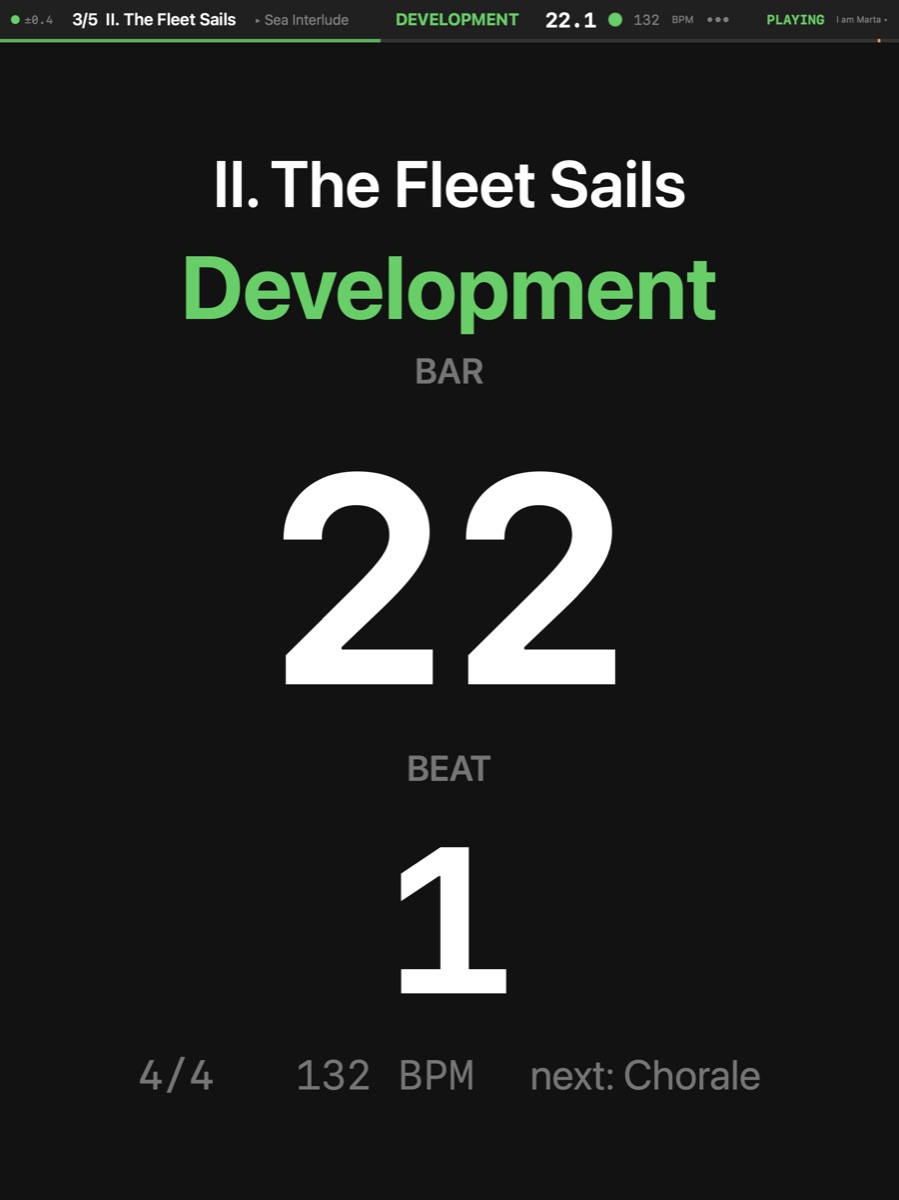
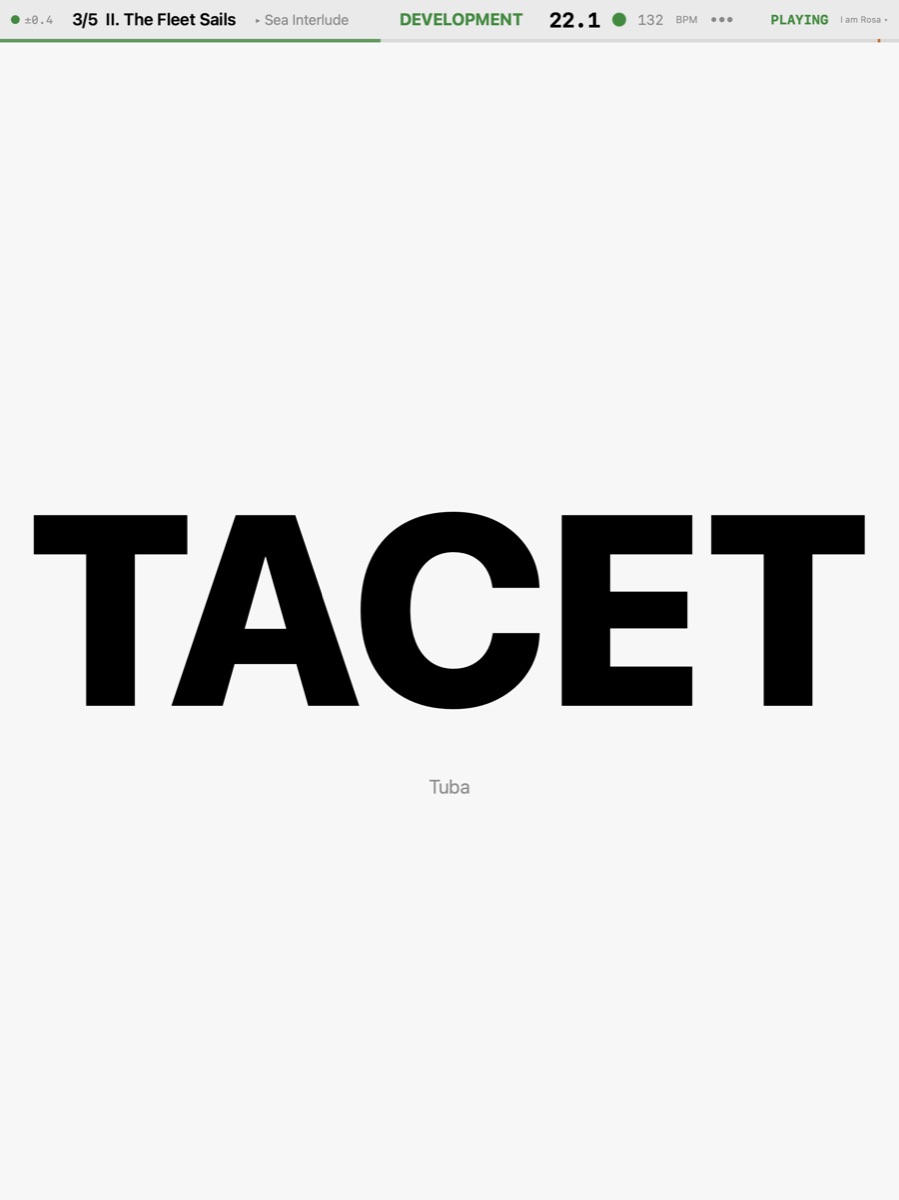
BarBeatCue does not record — your DAW does. What BarBeatCue does is lead: the click and the count-in, the score in front of every player, the place in the song, the same clock as the DAW.
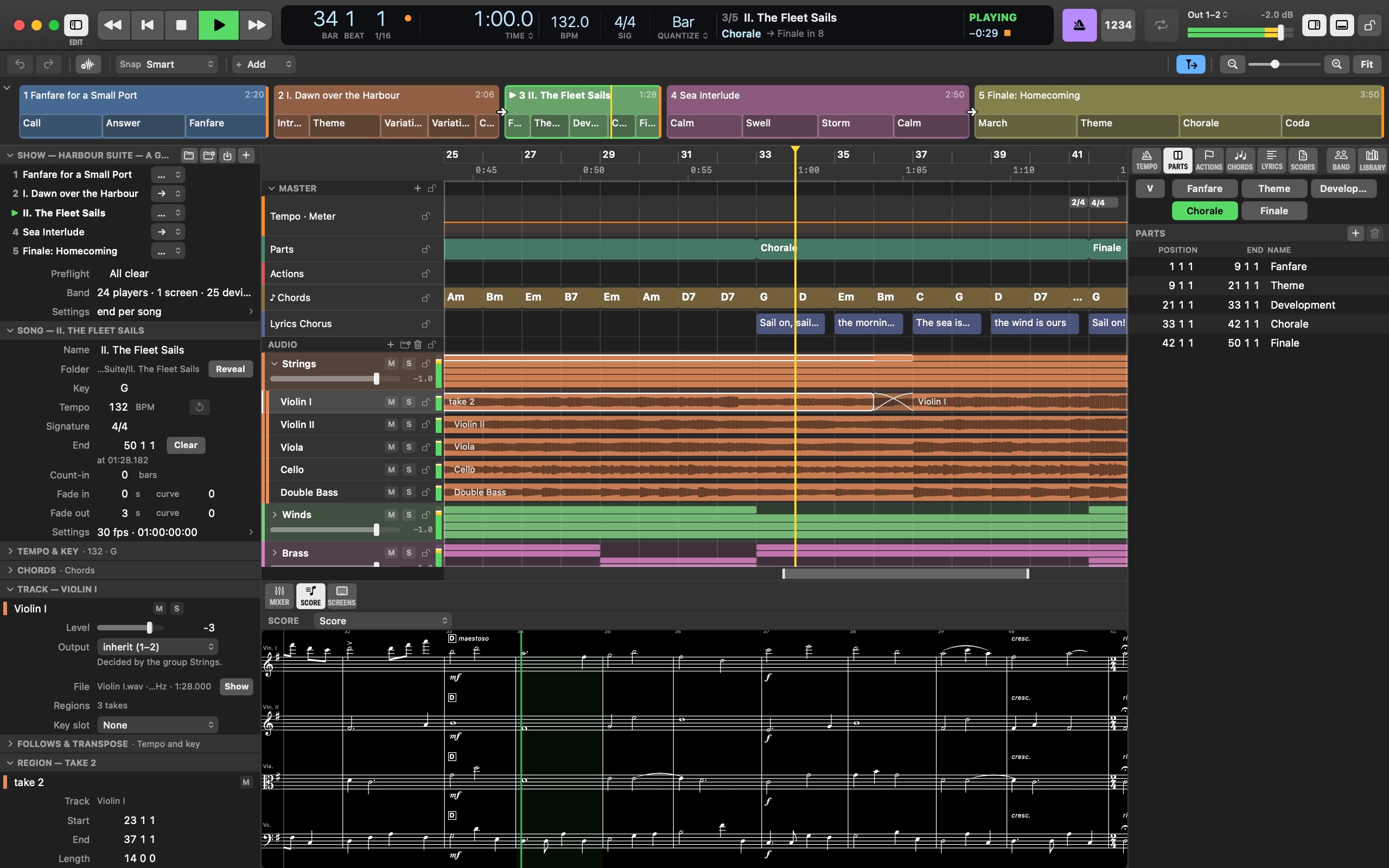
Go to Bar — Jumps to the bar — while playing, on the next Quantize line.
Vamp Transport ▸ Vamp ▸ Vamp · V — Loops the part the song is in until you switch it off — or for a number of plays. V again ends it at the end of the play it is in; the song then runs on.
Count-in Song ▸ Count-in ▸ Count-in · ⇧K — Clicks the chosen number of bars before the song starts, when it plays from the top (and before a gapless chain into it). A click switches it on or off; a right-click picks the bars.
The Mac serves every screen the same way, whether a trio of iPads or a whole orchestra's stands: each one reads the Mac's clock over the session's WiFi and draws its own player's part. Here is a full orchestra's Screens pane — twenty-four players and the choir's Apple TV — and the program as a strip, two movements chained into each other.
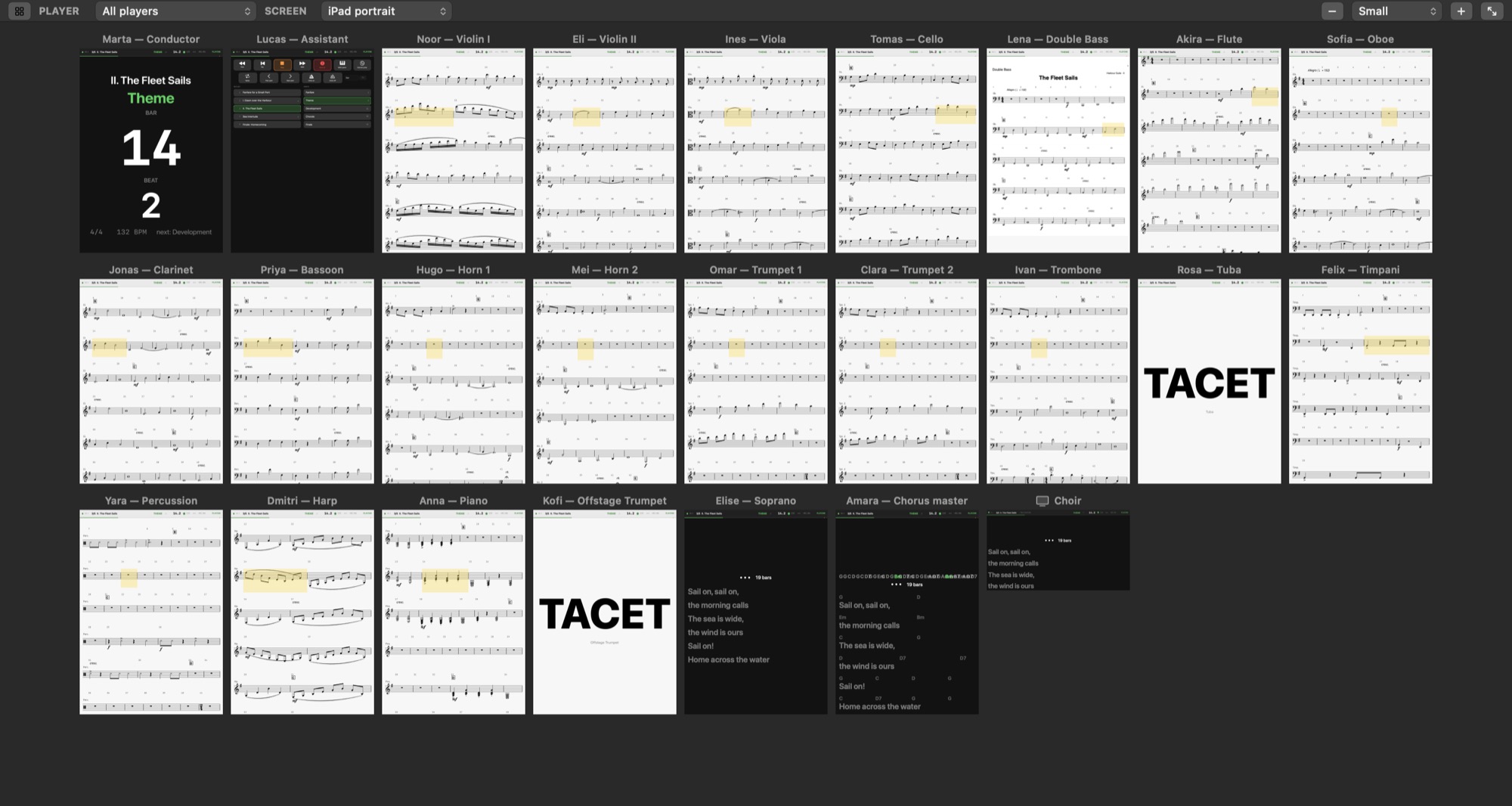

Set once: the strings, winds and brass read MusicXML parts drawn by the app (or the PDF a copyist printed, like the double bass here), a player whose part is not in a movement sees TACET, and a part's end can jump or loop — the first movement's opening is a vamp twice over until the conductor is ready.
The network — one router, every iPad finding the Mac · the audio — the click to the headphone feed · timecode — MTC and LTC to the DAW, or following it.