Following a house system
Timecode in and out for lighting, video and show control — and a DAW on the same Mac.
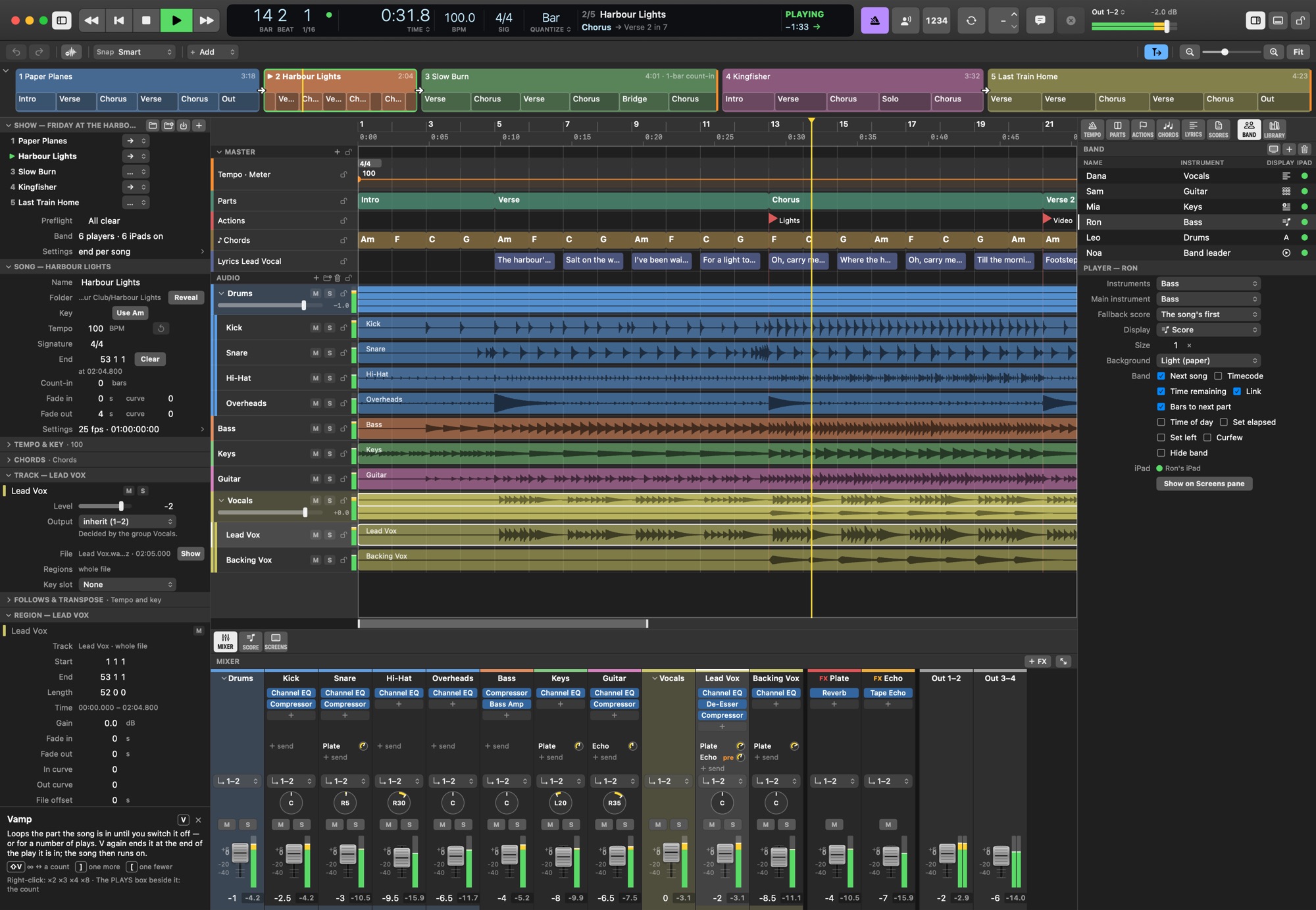
Leading: BarBeatCue is the master
Most nights BarBeatCue is the clock of the stage. It sends MIDI Clock, MTC and LTC — the lighting desk, the video server and the drum machine follow it, a jump included. An offset trims the downstream desk's own delay.
How a show's timecode is laid out is the show's choice:
| Each song's own | Every song starts at the time written in it — a lighting programmer's cue list per song. |
| Unique starts | Each song starts on its own hour, or every 30, 20, 15 or 10 minutes — no two songs share a time. |
| Continuous | The whole set as one run of timecode, songs one after another. |
The whole show's timecode can be exported as an LTC audio file, for another system to program against.
More
Export LTC Audio File ▸ Export ▸ LTC Audio… — Writes LTC — the timecode BarBeatCue's LTC out sends, sample for sample — as WAV files for outside gear: this song, every song a file each, or the whole setlist as one file (with the Continuous timecode). Each song's code is where the setlist's Timecode puts it, its count-in rendered before it as pre-roll code (a song without one gets two seconds to lock on). Put the files on an audio track in your DAW routed to BarBeatCue's LTC input and the DAW becomes the master: each clip starts its song. Named with the song's number, title, rate and first timecode.
Following: the house is the master
When a house system leads, BarBeatCue follows LTC through an input of your audio interface (to a fraction of a frame) or MTC. It locks at the start and plays on its own clock — the audio is never sped up or slowed down to chase — correcting only when the master moves, and riding through a short dropout instead of stopping on a cable wiggle. In a show of several songs, it finds the song the incoming time belongs to.
More
Sync In Song ▸ Sync ▸ Sync In — The song follows a master's timecode — LTC on an audio input, or MTC over MIDI —: the transport starts, stops and jumps with it. Green: locked; orange: waiting or catching up. A click switches it off, or back to the source it had; a right-click picks the source.
A DAW on the same Mac
Show Settings › Timecode & Sync › DAW on this Mac… sets it up in one step: an audio device that joins your interface and the free BlackHole driver, an LTC file for the DAW to play, and BarBeatCue following it — the DAW leads, the band's screens follow.
Set it up
Timecode — the modes, the cabling and the offsets, and a DAW on the same Mac.