BarBeatCue

A singer's prompter

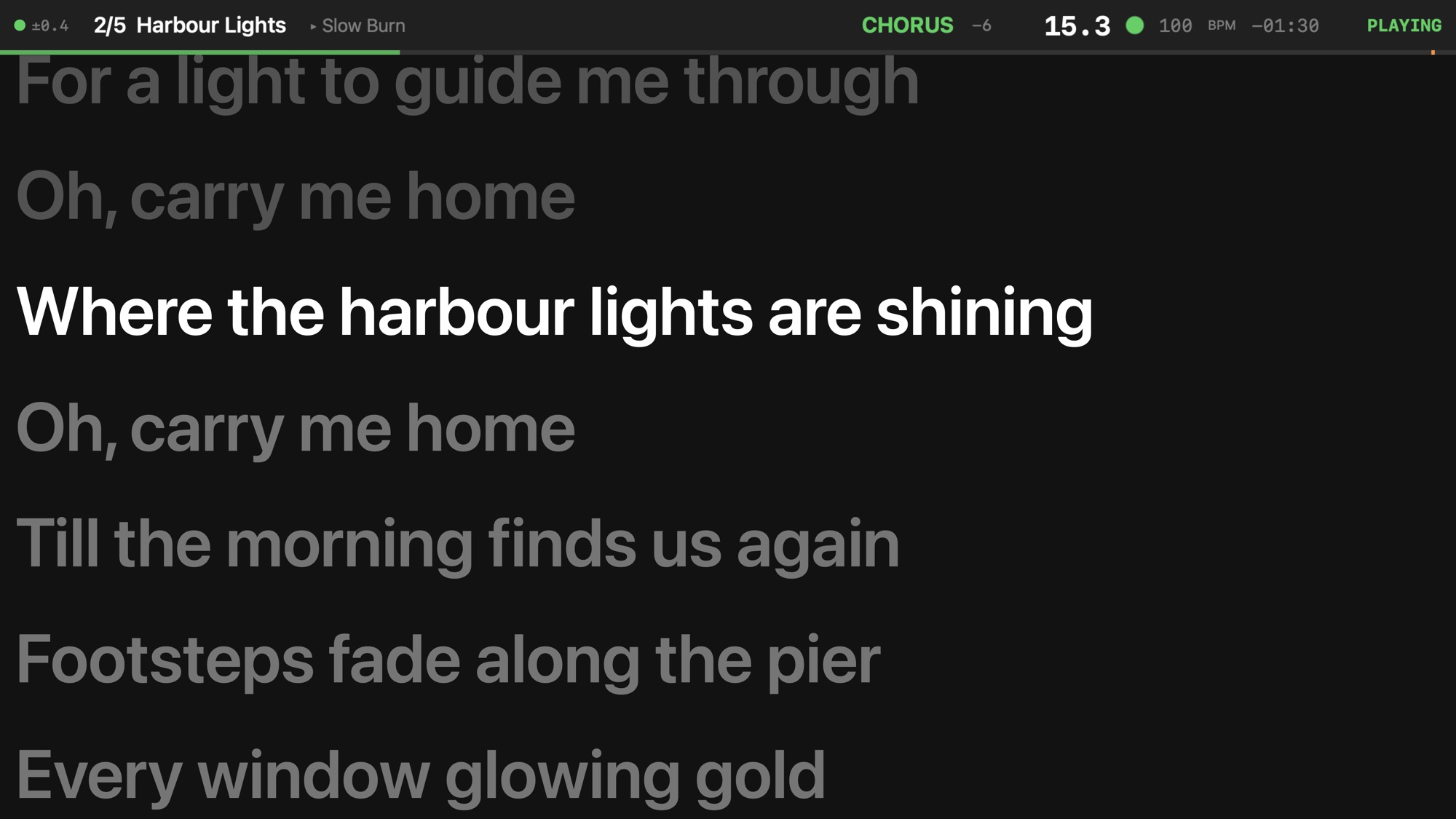
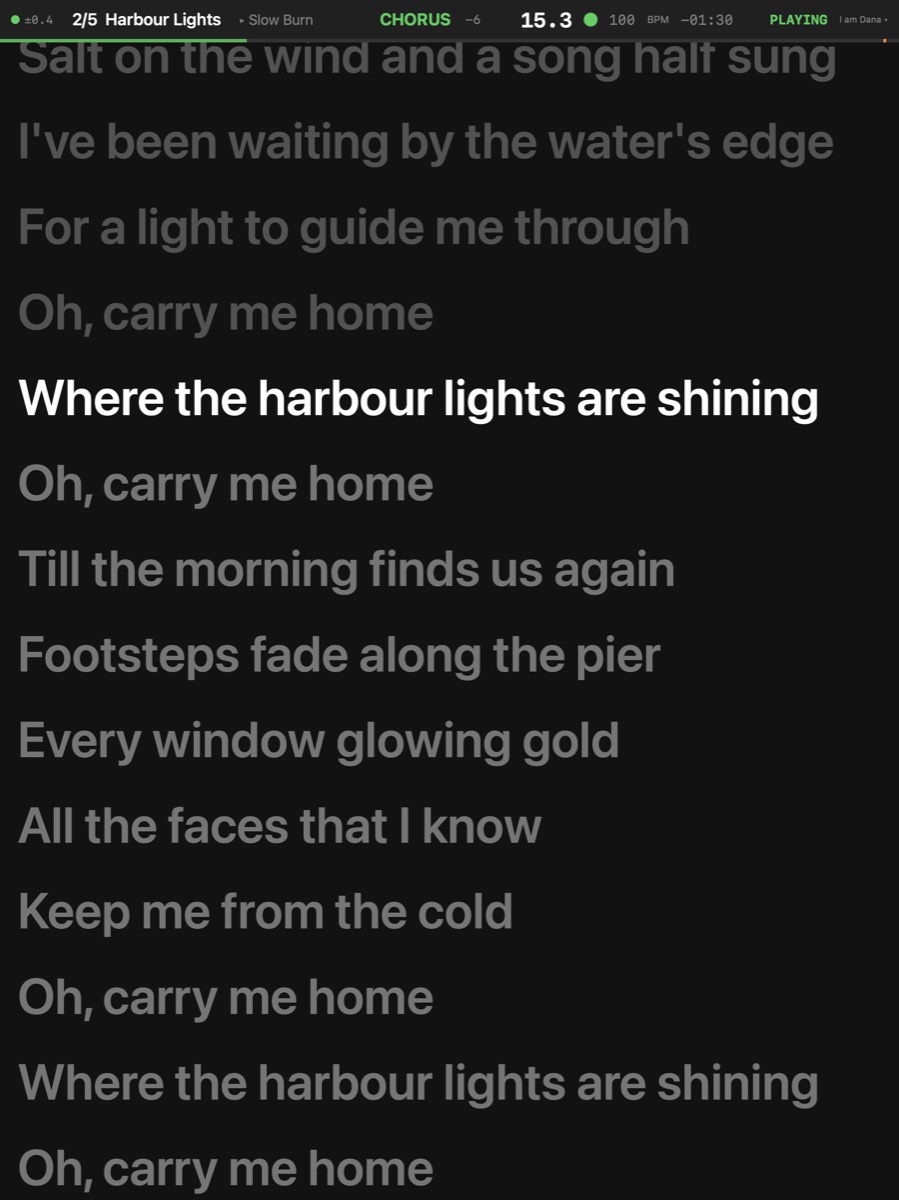
The words in front of the singer, the line being sung lit — following the band, not a scrolling speed.

The singer's iPad: the lyric prompter
Lyrics
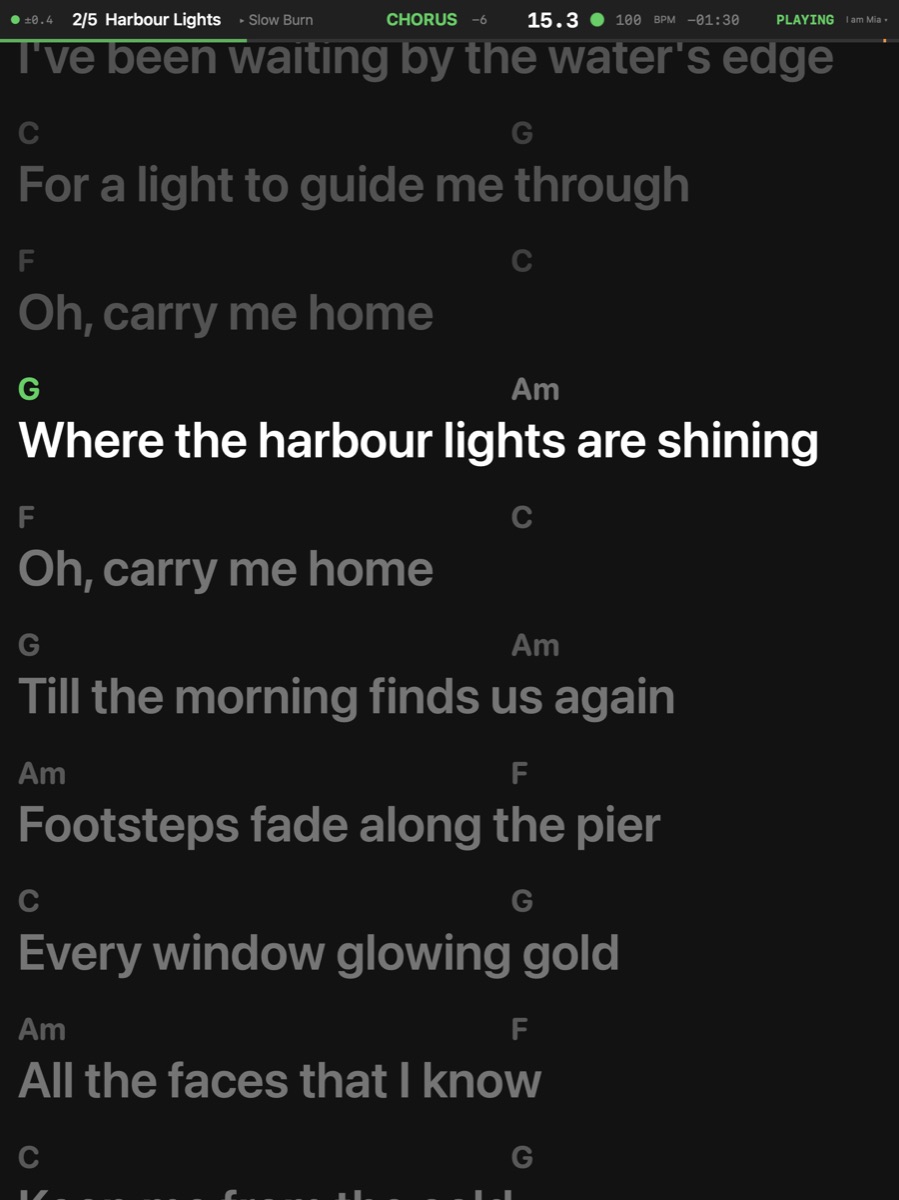
The keyboard player's iPad: chords above the words
Chords and lyrics

The line being sung, always in the same place

The prompter holds the current line at a fixed height and lights it; the lines before and after are dimmed. It follows the song's own position, so a jump, a vamp or a slower night never leaves the singer reading the wrong verse.

A singer who also plays reads the chords above the words.
Getting the words in

More

Find Lyrics Online Song ▸ Lanes ▸ Find Lyrics Online… — Searches LRCLIB for the song's lyrics; a synced match lands at its times.

Tap to Place Song ▸ Lanes ▸ Tap to Place · ⇧⇥ — A mode: while it is on (the edit bar's hand lit red), Tab puts the selected chord, lyric line or part where you hear it and selects the next; the one Tab places next has a red ring. Off, Tab does nothing to the song. Off at launch and on stage.

Import Lyrics File ▸ Import ▸ Lyrics… — Reads a text file one line every N bars, or an LRC file at its times, into a lyric lane.

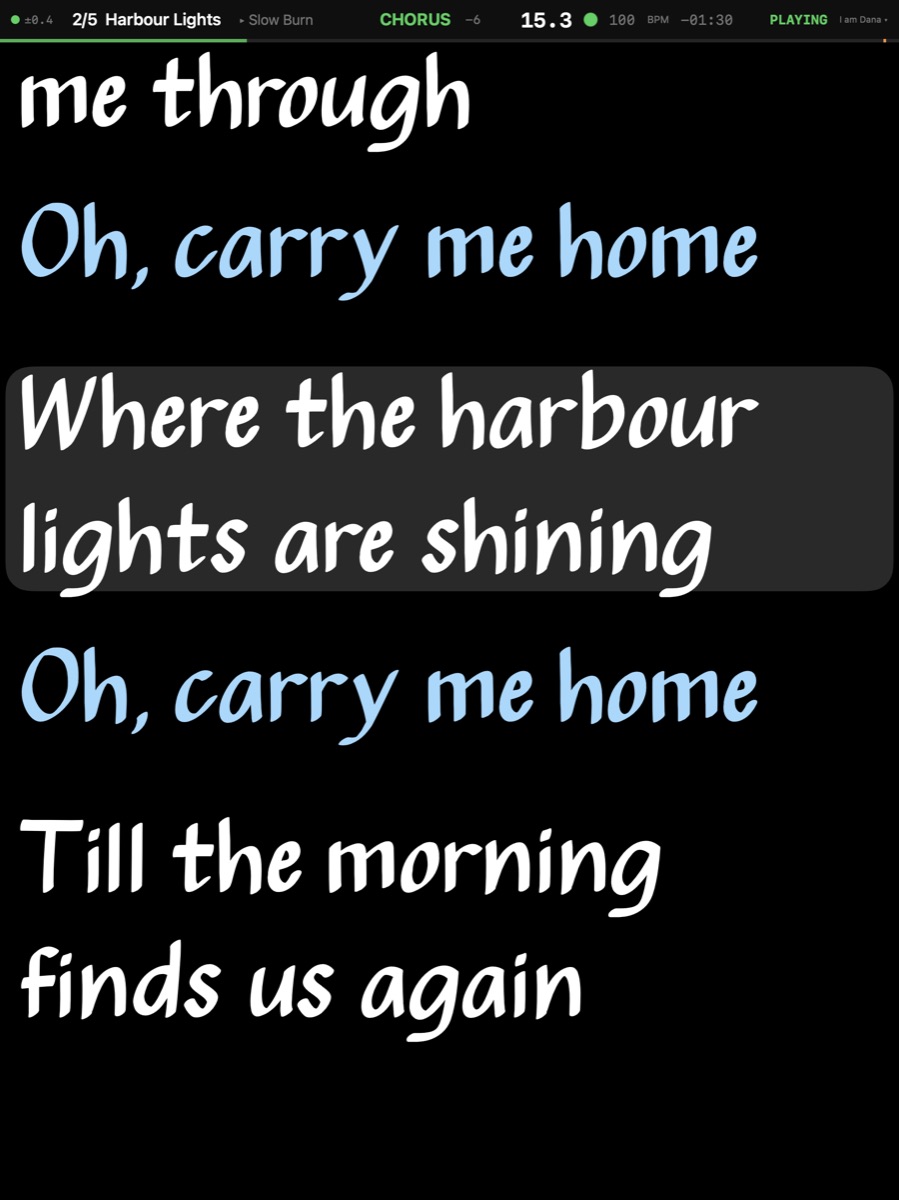
The prompter in a singer's own look: the Real Book face on black, the harmony lines in ice blue, the current line under a bar, pinched to twice the size
Real Book, pinched to 2×

The singer's own look

The face, the colours, black for an LED wall or paper for daylight, how the current line is marked, where the reading line sits, a mirror for a teleprompter glass. A colour per line says who sings what in a duet; a pinch makes it as large as the singer needs. Right-to-left languages read right to left.

The lyrics on an Apple TV for the whole stage

On a large screen

An Apple TV with BarBeatCue Display puts the same prompter on a TV at the foot of the stage — for a singer who would rather not hold an iPad, or a choir.

A theatre with screens →