The DJ's page, the band's screens
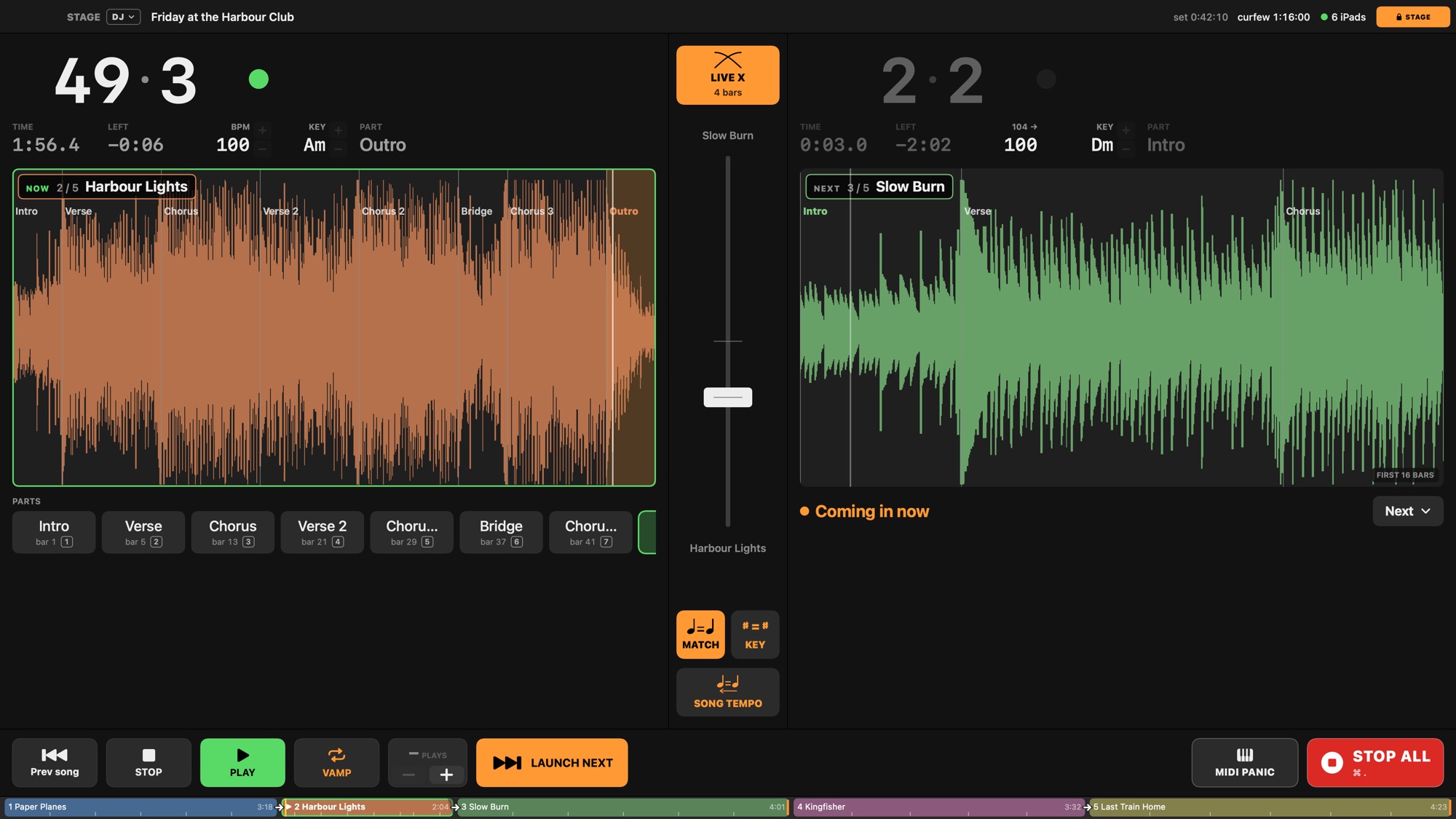
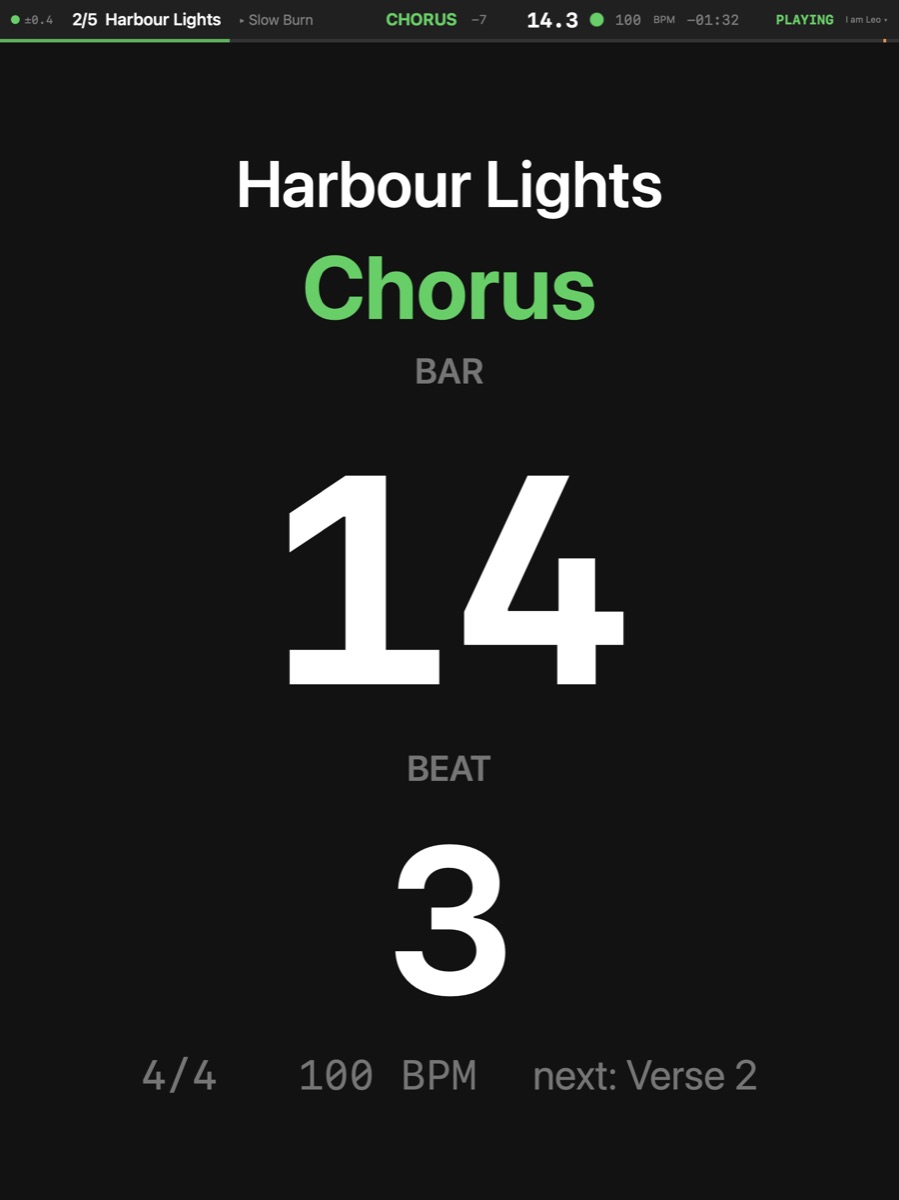
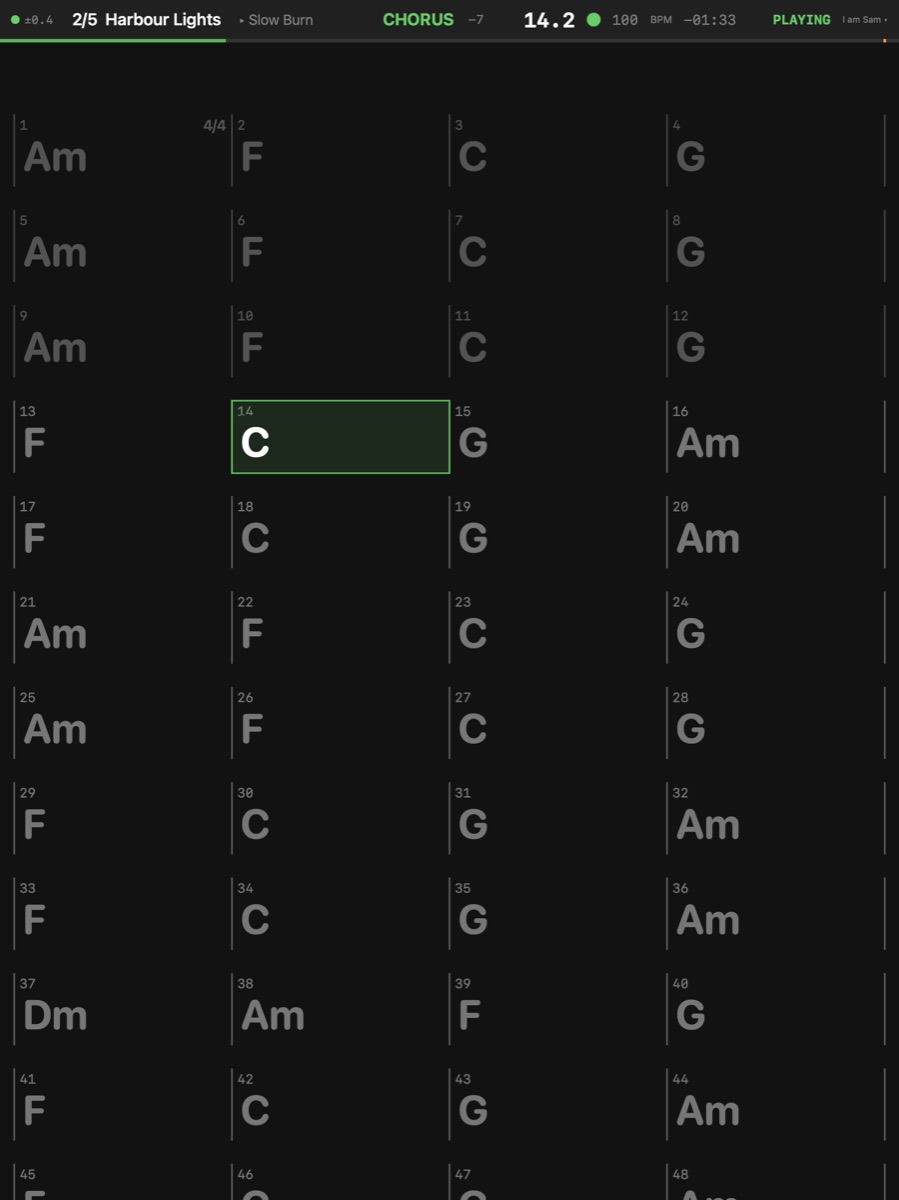
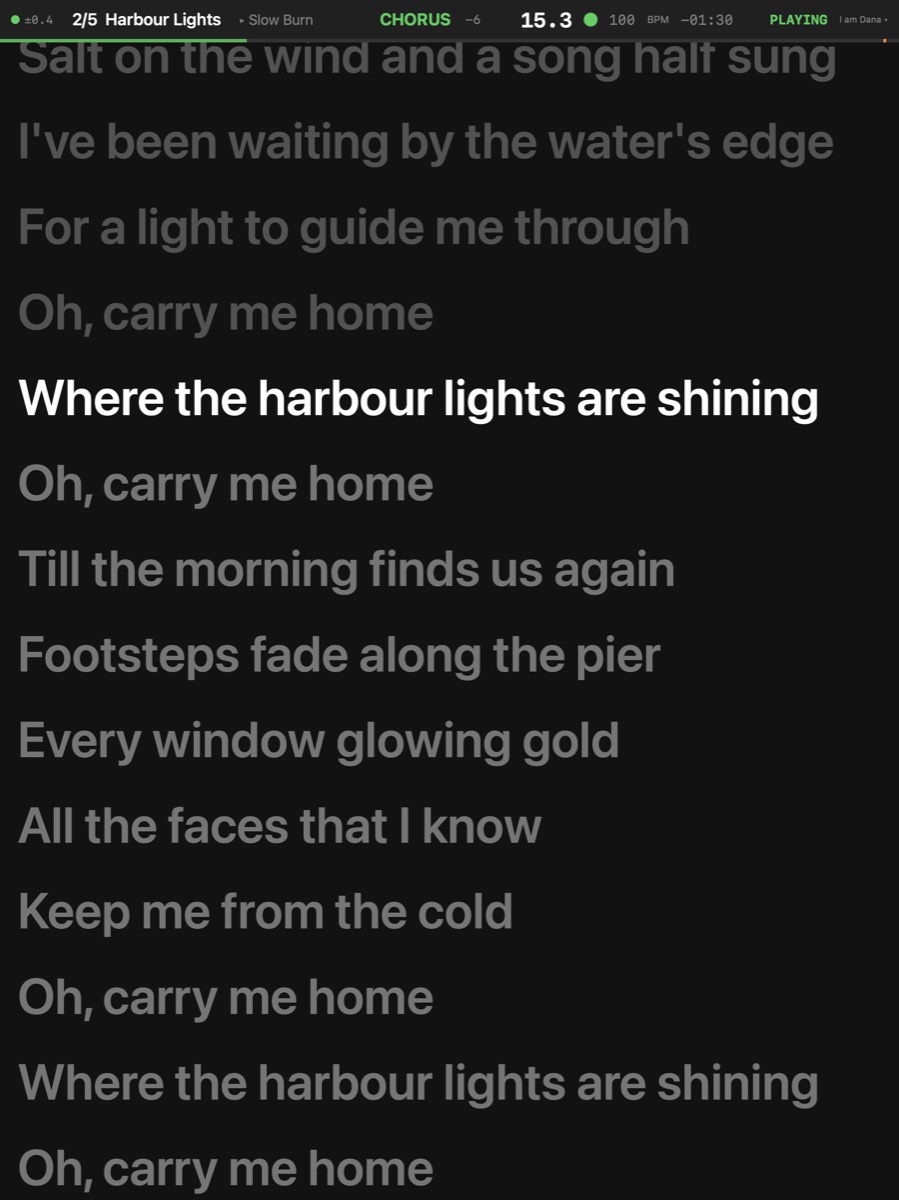
The DJ page is two decks, the fader, Match tempo and Match key, Live X, and the next song cued on its beat. The band's screens are set once per player on the Mac, saved with the show: who reads what, in which look.
More
Match Tempo Setlist ▸ Match Tempo — On a song that goes on into another: the next song, reached from this one, plays at this song's tempo at its end; started on its own it plays at its own. On one of several selected songs: every selected song. From the Setlist menu: the selected songs, else the song shown.
Match Key Setlist ▸ Match Key — The song this one goes on into is moved to this song's key as it plays — the nearest way, up to six semitones; a relative major or minor counts as the same key. Both songs need their key set (Song inspector ▸ Key). Decided when the next song is reached; it plays transposed, its charts and the iPads with it. The DJ page's ♯ = ♯.
Nudge Tempo Up Transport ▸ Nudge Tempo Up — The song playing goes 1 BPM faster from its next beat line — a DJ's pitch fader without the pitch: the stems are stretched live (good, not a prepared render's quality), the click, the LCD, sync out and the iPads follow. Presses before the beat arrives add up. The DJ page's + does it, ⇧ for 0.1 BPM. Lasts until the song stops; Back to Song Tempo Now drifts back to the song's own tempo.